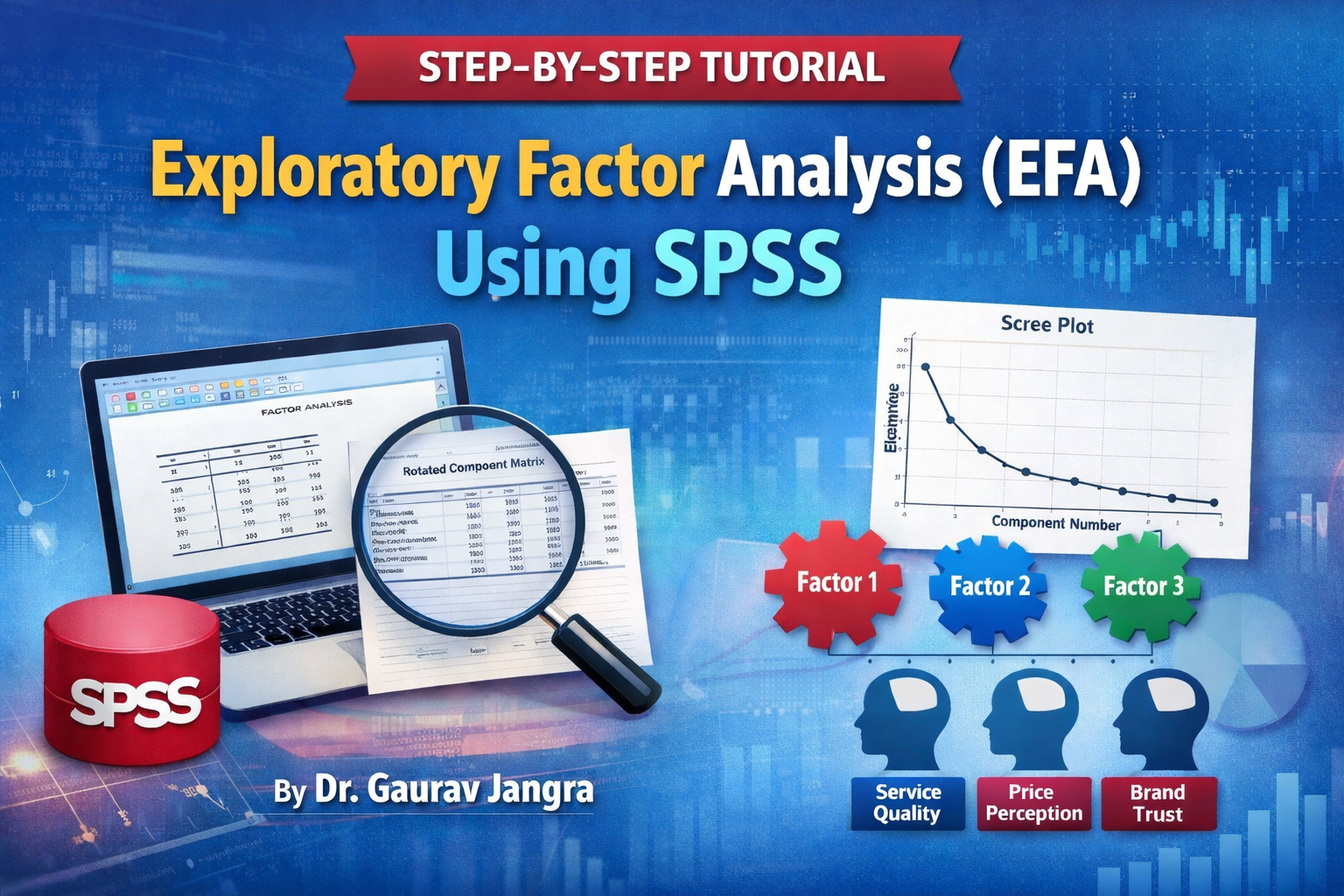
Exploratory Factor Analysis (EFA) Using SPSS
A Step-by-Step Tutorial by Dr. Gaurav Jangra
Exploratory Factor Analysis (EFA) a step-by-step tutorial using SPSS by Dr. Gaurav Jangra is a powerful multivariate statistical technique used to identify the underlying structure of a large set of variables. In research, especially in social sciences, management, education, psychology, and marketing, EFA is widely used to reduce data dimensions and to uncover latent constructs behind observed variables.
For example, if you design a questionnaire with 25 items to measure “Customer Satisfaction,” EFA helps you discover whether these items actually form meaningful sub-dimensions such as Service Quality, Price Perception, Brand Trust, and Convenience.
This blog explains:
- What EFA is
- When and why to use it
- Key assumptions and prerequisites
- Complete SPSS steps to perform EFA
- Interpretation of outputs
What is Exploratory Factor Analysis?
Exploratory Factor Analysis is a statistical method used to:
- Identify hidden (latent) variables called factors
- Group related variables into meaningful constructs
- Reduce a large number of variables into fewer factors
- Validate questionnaire structure in empirical research
EFA is exploratory in nature, meaning it is used when the factor structure is not known in advance.
When Should You Use EFA?
You should apply EFA when:
- You have 10 or more observed variables
- Your data comes from Likert-scale items
- You want to develop or validate a scale
- You suspect that variables are interrelated
- You want to reduce variables into constructs/factors
Assumptions and Requirements
Before applying EFA, ensure:
- Sample Size
- Minimum: 5–10 respondents per item
- Preferred: 200+ samples for stable results
- Correlation Among Variables
- Variables must be correlated
- Checked using:
- KMO (Kaiser-Meyer-Olkin) Measure
- Bartlett’s Test of Sphericity
- Adequacy Criteria
- KMO ≥ 0.60 (acceptable)
- Bartlett’s Test: p < 0.05 (significant)
Step-by-Step Procedure to Perform EFA in SPSS
Follow these exact steps in SPSS:
Step 1: Enter Data
- Open SPSS
- Enter all questionnaire items as separate variables
- Each row represents a respondent
- Each column represents an item
Step 2: Open Factor Analysis Dialog Box
- Click on Analyze
- Go to Dimension Reduction
- Select Factor…
Step 3: Move Variables
- Select all scale items
- Move them into the Variables box
Step 4: Descriptives (Optional but Recommended)
- Click on Descriptives
- Tick:
- KMO and Bartlett’s Test of Sphericity
- Correlation Matrix
- Click Continue
Step 5: Extraction Settings
- Click on Extraction
- Choose:
- Method: Principal Component Analysis (commonly used)
- Tick: Eigenvalues greater than 1
- Tick: Scree Plot
- Click Continue
Step 6: Rotation Settings
- Click on Rotation
- Select:
- Varimax (Orthogonal – most commonly used)
- Tick:
- Rotated Solution
- Click Continue
Step 7: Options
- Click on Options
- Tick:
- Suppress small coefficients
- Set value to 0.50 (or 0.40 for social sciences)
- Click Continue
Step 8: Run the Analysis
- Click OK
SPSS will generate multiple tables and graphs.
Interpretation of SPSS Output
1. KMO and Bartlett’s Test
| Measure | Acceptable Value |
|---|---|
| KMO | ≥ 0.60 |
| Bartlett’s Test Sig. | < 0.05 |
If these conditions are met, EFA is appropriate.
2. Total Variance Explained
- Shows:
- Number of extracted factors
- Eigenvalues
- Percentage of variance explained
Rule:
- Retain factors with Eigenvalue > 1
- Cumulative variance should be ≥ 50%
3. Scree Plot
- Visual representation of eigenvalues
- Look for the “elbow point”
- Factors before the bend are retained
4. Rotated Component Matrix
This is the most important table.
- Shows factor loadings
- Items should load:
- ≥ 0.50 on one factor
- Not load highly on multiple factors
Example:
| Item | Factor 1 | Factor 2 | Factor 3 |
|---|---|---|---|
| Q1 | 0.78 | – | – |
| Q2 | 0.74 | – | – |
| Q3 | – | 0.69 | – |
| Q4 | – | 0.72 | – |
| Q5 | – | – | 0.81 |
Each group of items forms a construct.
Naming the Factors
After identifying item groups:
- Read item meanings
- Assign a conceptual label, e.g.:
| Factor | Items | Suggested Name |
|---|---|---|
| F1 | Q1, Q2, Q6 | Service Quality |
| F2 | Q3, Q4, Q7 | Price Perception |
| F3 | Q5, Q8, Q9 | Brand Trust |
These factor scores can be used in:
- Regression
- SEM
- Hypothesis testing
- Model development
Conclusion
Exploratory Factor Analysis is an essential tool for empirical research. It ensures that your questionnaire items truly measure the constructs you intend to study. By following the SPSS steps outlined above, researchers can:
- Validate measurement scales
- Reduce data complexity
- Improve model accuracy
- Enhance the reliability and validity of research instruments
Whether you are a PhD scholar, MBA student, or academic researcher, mastering EFA in SPSS is a critical skill for high-quality research.
For more SPSS tutorials, research methods, and UGC NET preparation resources, explore courses and materials at Easy Notes 4U Academy and Learn Mitra by Dr. Gaurav Jangra.
Written by
Dr. Gaurav Jangra
Dr. Gaurav has a doctorate in management, a NET & JRF in commerce and management, an MBA, and a M.COM. Gaining a satisfaction career of more than 10 years in research and Teaching as an Associate professor. He published more than 20 textbooks and 15 research papers.